How to Check a TLS Certificate Chain, Expiry, SAN, and SNI on Any Port
Inspect the certificate chain a live HTTPS, Kafka SSL, LDAPS, SMTPS, IMAPS, or raw TLS service presents; diagnose expiry, SAN mismatch, SNI, trust, and missing intermediates.
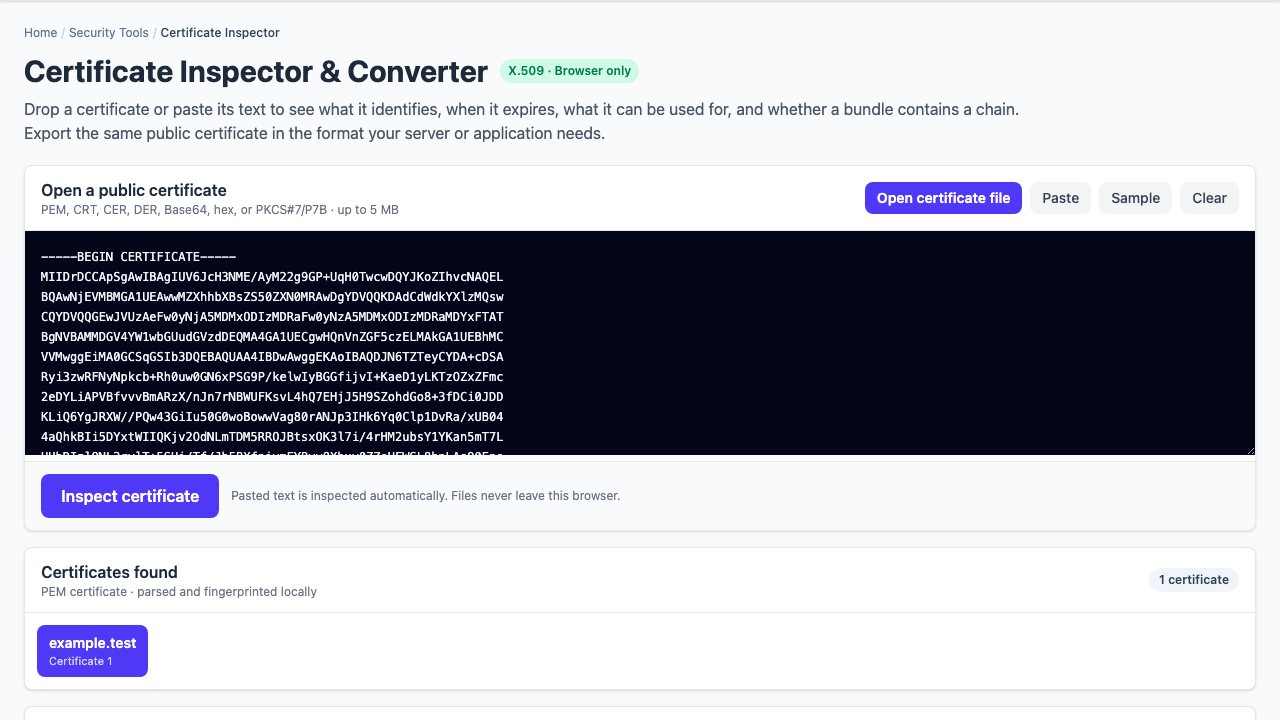
A certificate file can be perfectly valid while the service still presents an expired leaf, omits an intermediate, or selects the wrong certificate for a client’s SNI name. The reliable starting point is the live TLS handshake from the network where the service is used.
Check three separate claims: the certificate is within its validity window, its SAN covers the name the client verifies, and the presented chain reaches a root trusted by that client environment.
Inspect the live certificate chain, not only port 443
TLS protects more than HTTPS. Kafka brokers, LDAP directories, mail servers, databases, and custom TCP protocols can begin a TLS handshake immediately on their configured port. Enter the connection host, port, and optional SNI name in the TLS certificate chain checker.
| Service example | Common direct-TLS port | What to verify |
|---|---|---|
| HTTPS | 443 | Public hostname, full chain, expiry, ALPN |
| Kafka SSL | 9093 is common, but configurable | Broker hostname verification and every advertised listener |
| LDAPS | 636 | Directory hostname, private CA trust, intermediate chain |
| SMTPS | 465 | Mail service name and server-auth usage |
| IMAPS | 993 | Mail hostname, expiry, and client trust path |
Ports such as SMTP 25/587, IMAP 143, LDAP 389, and PostgreSQL 5432 commonly negotiate STARTTLS or a protocol-specific upgrade before the TLS handshake. A raw TLS checker does not perform those application commands; use a protocol-aware client when TLS does not start immediately.
Connection host and SNI name are not always the same
A client may connect to 10.20.4.8:9093 but verify broker-1.example.internal. SNI tells a server which DNS identity the client wants and is especially important when one address hosts multiple certificates.
# Connect to an explicit address while sending a DNS SNI name
openssl s_client \
  -connect 10.20.4.8:9093 \
  -servername broker-1.example.internal \
  -showcerts
If the client genuinely verifies an IP address, that address must appear as an IP Subject Alternative Name. A DNS SAN containing the textual IP is not equivalent. Likewise, a PTR hostname discovered from reverse DNS is a clue, not automatic permission to substitute a different identity.
Read SANs before the Common Name
Modern hostname verification uses Subject Alternative Names. For a DNS name, an exact SAN is simplest. A wildcard such as *.example.com covers one leftmost label such as api.example.com; it does not cover example.com or v2.api.example.com.
DNS:api.example.commatches that hostname.DNS:*.example.commatchesapi.example.com.DNS:*.example.comdoes not matchdeep.api.example.com.IP:10.20.4.8can match a client that verifies that IP directly.
Check expiry across the entire chain
The leaf’s expiration date gets the most attention, but an expired intermediate can also break validation. Record the not-before and not-after dates for every presented certificate. Alert thresholds often begin at 30 days, but the right renewal margin depends on automation, change windows, and how widely a certificate is deployed.
A “not yet valid” result can indicate a newly issued certificate deployed too early or a bad system clock. Treat those causes separately.
Recognize an incomplete or misordered chain
Servers normally present the leaf followed by intermediate certificates. They usually omit the root because clients already carry trust anchors. The issuer of certificate 1 should match the subject of certificate 2, and so on.
- One leaf and unknown issuer: a missing intermediate is a strong possibility.
- Issuer does not match the next subject: the chain may be misordered or unrelated certificates may have been bundled.
- Root included: usually unnecessary, though not automatically the cause of failure.
- Private CA: the chain may be correct but absent from the device trust store.
Separate chain trust from service identity
A certificate can chain to a trusted root and still fail because the requested hostname is missing from SAN. It can cover the right hostname and still fail because an intermediate is absent. It can pass both checks and still be rejected by an application using a different trust store, Java runtime, container image, or certificate policy.
The Bug Days report captures the server-presented chain even when the trust pass fails, then shows the device trust result beside independent SAN and expiry analysis. Exporting the full chain table makes those separate findings easier to hand off.
Kafka TLS troubleshooting checklist
- Inspect every broker address clients receive from
advertised.listeners, not only the bootstrap address. - Use the same DNS name as the client’s endpoint-identification setting.
- If connecting by IP, provide the intended broker DNS name as SNI when that reflects the real client configuration.
- Confirm the leaf SAN covers each advertised broker name.
- Confirm every broker presents the required intermediate certificates.
- Compare the trust result with the actual JVM or application trust store when they differ from the operating system.
Export evidence another engineer can reproduce
A useful certificate incident report includes the connection target, port, SNI name, peer address, TLS version, cipher suite, presented chain order, expiry dates, SAN result, trust error, and SHA-256 fingerprints. Share a Bug Days snapshot when the public certificate data is suitable for sharing, or export CSV, Excel, JSON, PEM, and a printable PDF for a ticket.
Scope: the checker diagnoses direct TLS handshakes. It does not perform STARTTLS negotiation, client-certificate authentication, revocation checks, or Certificate Transparency monitoring.