Cron Expression Examples: Next Runs, Timezones, and Kubernetes
Read five-field cron syntax, preview upcoming executions, avoid timezone surprises, and understand the day-of-month and day-of-week rule used by Linux cron and Kubernetes CronJobs.
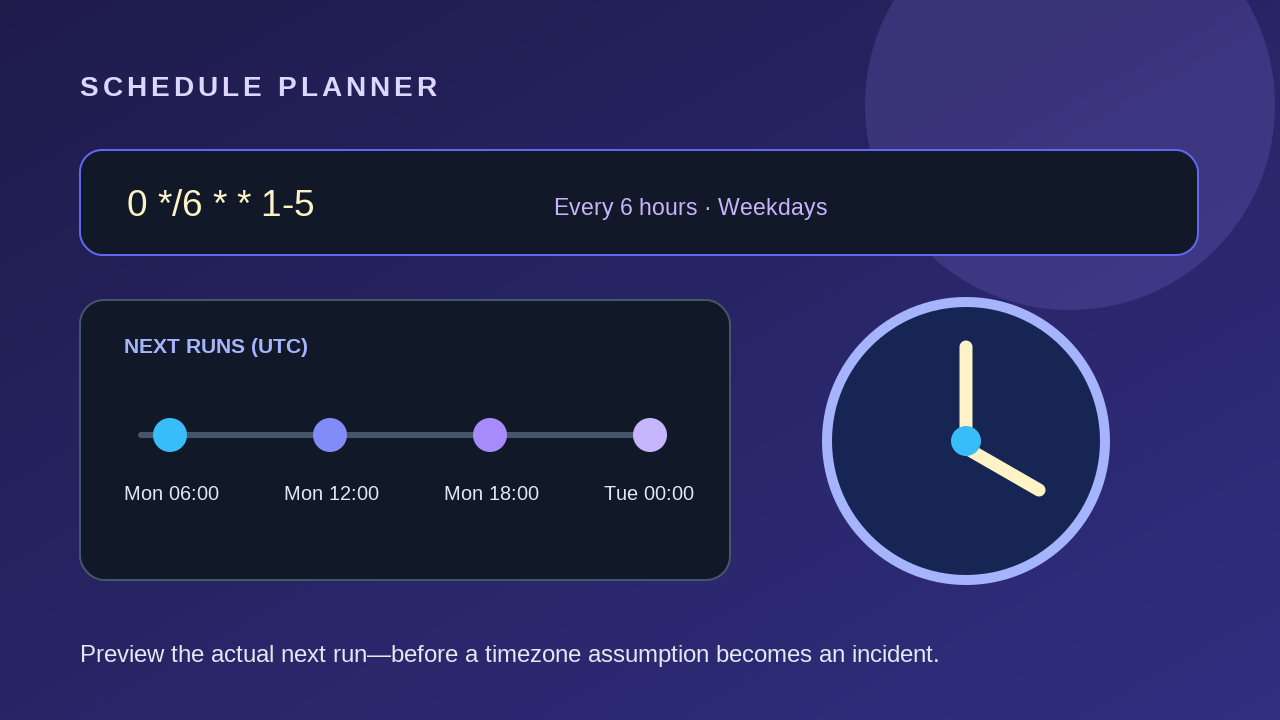
A cron expression answers two different questions: which minutes match, and in which timezone does the scheduler evaluate them? A correct-looking schedule can still run hours early, late, or twice around a daylight-saving change if that second question is left to assumption.
Read the five cron fields from left to right
Traditional Linux cron and common Kubernetes CronJob schedules use five fields: minute hour day-of-month month day-of-week. For example, 0 9 * * 1-5 means 09:00 Monday through Friday.
*/15 * * * *    every 15 minutes
0 * * * *       at minute 0 of every hour
0 0 * * *       daily at midnight
0 9 * * 1-5     weekdays at 09:00
0 0 1 * *       first day of each month
Paste one into the Cron Expression Parser and Generator to see a plain-language explanation and the next five matching times in your browser’s timezone. It supports wildcards, lists, ranges, and steps such as 1,15, 1-5, and */15.
Confirm the scheduler’s timezone
The preview is deliberately labeled with your browser’s local timezone. That makes an ambiguous schedule visible, but it does not alter the timezone used by the machine that runs it. Check the platform setting for your server, CI job, or cluster before you deploy a time-sensitive task.
Kubernetes CronJobs use a five-field schedule. Newer Kubernetes versions can set spec.timeZone; otherwise, the controller manager’s local timezone is the relevant one. Quartz-style expressions are different: they often have six or seven fields and may include seconds, so do not paste one into a five-field crontab unchanged.
The day-of-month and day-of-week surprise
When both day-of-month and day-of-week are restricted, traditional Vixie cron normally treats them as an OR condition. For example, a job with 0 9 1 * 1 can run at 09:00 on the first day of a month and on Mondays. Schedulers are not perfectly uniform here, so treat this as a signal to check the runner’s documentation and preview the dates you expect.
Share a schedule, not a secret command
Use Share schedule to send a small, non-sensitive expression to a teammate with its next-run preview. A cron expression is normally safe to share. The command it triggers may contain endpoints, tokens, file paths, or business context; keep that out of examples and out of the shared URL.