How to Format and Validate a JSON API Response
Pretty-print an API response, troubleshoot invalid JSON, copy jq paths from a tree view, and share a runnable example. Includes jq and Python commands.
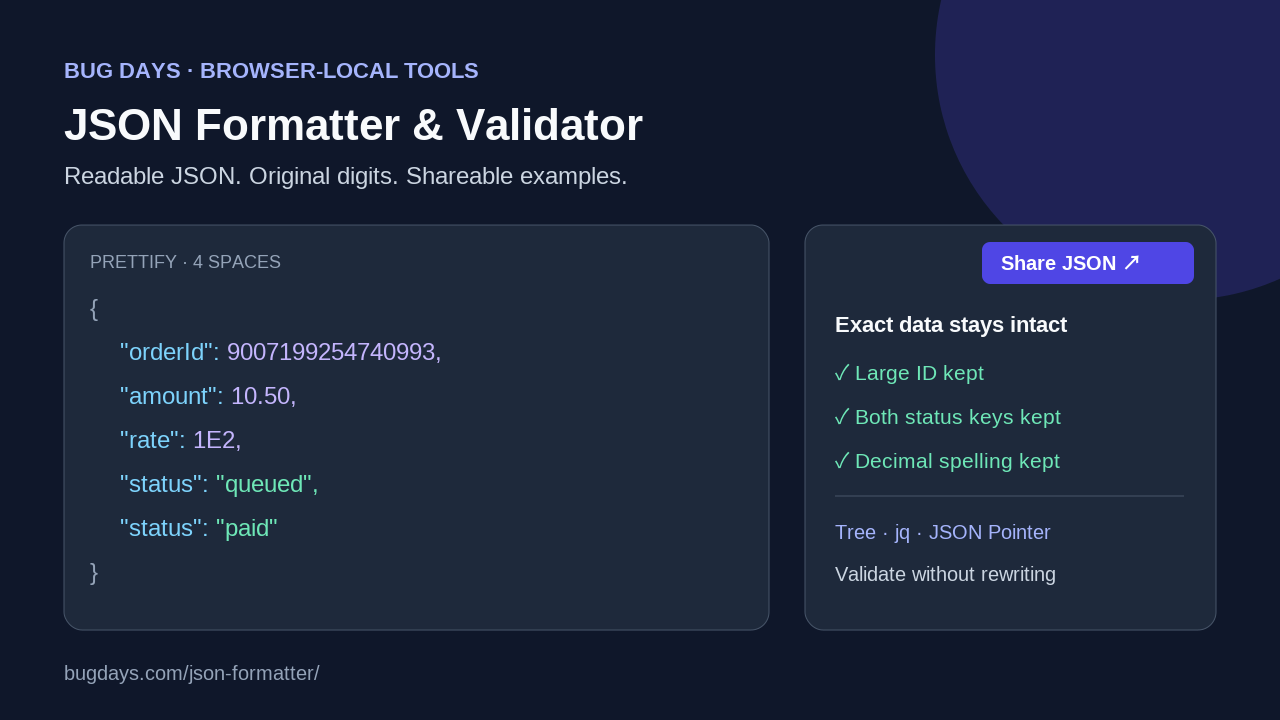
You have a one-line API response and need to answer a specific question: did the first order finish, and is there another page of results? Pretty-printing exposes the structure. A tree view then helps you find the field without confusing a property name with its value.
Try a complete JSON formatting example
This synthetic response contains an order array and pagination metadata. Open the example to load it into the JSON formatter and validator and run Prettify automatically.
Minified API response
{"orders":[{"id":"ORD-42","status":"paid","total":29.5,"items":["notebook","pen"]}],"pagination":{"page":1,"hasNext":false}}Formatted JSON
{
  "orders": [
    {
      "id": "ORD-42",
      "status": "paid",
      "total": 29.5,
      "items": [
        "notebook",
        "pen"
      ]
    }
  ],
  "pagination": {
    "page": 1,
    "hasNext": false
  }
}Synthetic data. These links contain the example and settings; no stored share is needed.
The first order has status: "paid"; hasNext: false means this example has no next page. Neither field is nested directly under the root: the status belongs to an item in orders, while the boolean belongs to pagination.
Format and validate your API response
- Copy the response body, not HTTP headers or the surrounding log message. Paste it into JSON input.
- Choose two spaces, four spaces, or tabs, then select Prettify. An error leaves the input unchanged. Validate checks syntax without formatting.
- Use Compact when you need one-line JSON. Whitespace inside strings remains data; indentation outside them is removed.
- Use Copy or Download to keep the text, or Share JSON to send a reproducible example.
This formatter changes only whitespace between JSON tokens: 1.0, large numeric IDs, exponents, string escapes, and duplicate keys stay intact. Undo restores the text before formatting. Interoperability notes identify values other parsers may discard or round; see the exact-number and duplicate-key walkthrough.
Copy a jq path from the JSON tree
Select Tree & Fold, then select the first order’s status value. The selected-value panel shows .orders[0].status; select that button to copy it. You can also copy the JSON Pointer /orders/0/status, or the exact JSON value. To read that field from a local file with jq, use:
jq '.orders[0].status' response.json
# Output: "paid"

jq '.pagination.hasNext' response.json
# Output: false
Array indexes begin at zero. A dot in a key is different from a nested object: for {"content.type":"application/json"}, the accessor is .["content.type"], not .content.type. The tree quotes such keys for you. The jq accessor documentation explains this distinction. Bug Days copies accessors; it does not execute jq filters.
When valid-looking JSON fails to parse
A JavaScript object literal is not necessarily JSON. Change single quotes to double quotes, remove comments and trailing commas, and check escaping inside strings. The parser reports the error and, when available, its position. It does not guess a repair.
If the body starts with <html, it may be a login page or server error rather than JSON. If several objects occupy separate lines, you may have JSON Lines, not one JSON document. If formatting returns a quoted string full of escaped quotes, the payload may contain JSON encoded inside a JSON string; inspect the parsed string before treating it as an object. The permitted syntax is defined by RFC 8259.
Syntax validation is not API contract validation. {"status":"unexpected"} parses correctly even when the API allows only specific statuses. Use the service’s schema or tests to verify required properties, formats, and allowed values.
Pretty-print JSON locally with jq or Python
For a repeated job, run the same basic formatting step from a terminal. Both commands fail on invalid syntax:
jq '.' response.json
python3 -m json.tool response.json
To compact output with jq, use jq -c '.' response.json. These commands print to the terminal; they do not overwrite the source file. See the Python JSON command-line documentation for file-output options. A pretty printer alone does not enforce a JSON Schema.
Share the example, not a screenshot
Replace tokens and customer values with synthetic data, run Prettify or Tree View, and select Share JSON. An embedded link carries the input and selected action in its URL fragment. The reader gets the same starting point without retyping anything; anyone with the link can read it. The separate short-link option stores the example for 30 days.
When the question is “what changed?”, send a JSON comparison instead. The API response diff guide demonstrates how ordering choices affect the result.