Compare JSON API Responses: Ignore Key Order and Array Order
Find changes in JSON API responses and configuration files. Try a shareable example, compare reordered arrays, and distinguish duplicates, nulls, and missing fields.
An API response looks different after a deployment. Did the values change, or did the serializer just reorder the fields? A structural JSON comparison answers that question more directly than a line diff. Array positions need a separate decision: a reordered set of regions may be harmless, while a reordered event sequence is not.
A JSON diff example with four changes—or two
Open either runnable comparison below in the JSON diff checker. The same synthetic configuration appears in both links; only the array-order setting changes.
Original configuration
{
  "service": {
    "name": "catalog",
    "timeout": 15
  },
  "regions": [
    "us",
    "eu"
  ],
  "enabled": true
}
Modified configuration
{
  "service": {
    "name": "catalog",
    "timeout": 30
  },
  "regions": [
    "eu",
    "us"
  ],
  "enabled": true,
  "retries": 3
}Synthetic data. These links contain the example and settings; no stored share is needed.
- Default comparison: three modifications (
service.timeout,regions[0],regions[1]) and one addition (retries). - Ignore array order: the regions match, leaving one modification and one addition.
This gives you a useful baseline: a timeout changed from 15 to 30, and retries appeared. The array-order option determines whether swapping "us" and "eu" matters to the review.
Choose object key order and array order independently
JSON objects are unordered collections of members, while arrays are ordered sequences, as defined in RFC 8259. The default comparison ignores object key order but preserves array order.
For example, {"name":"catalog","timeout":15} and {"timeout":15,"name":"catalog"} match. Disable Ignore key order if you specifically want to review source property-order changes, including integer-like names. Numbers compare by exact mathematical value, so 1 and 1.0 match. Use Text Diff for exact source lines or numeric spelling.
Enable Ignore array order only when every array’s position is irrelevant to your question. It applies recursively, not just to the top-level array. Do not enable it for coordinates, ranked search results, or event histories.
Duplicates and nested objects still matter
An unordered comparison is not a set comparison that discards duplicates. [1,1,2] and [1,2,2] differ: one occurrence of 1 disappears and an occurrence of 2 is added. Equivalent items match once each, including objects whose key order differs when Ignore key order is enabled.
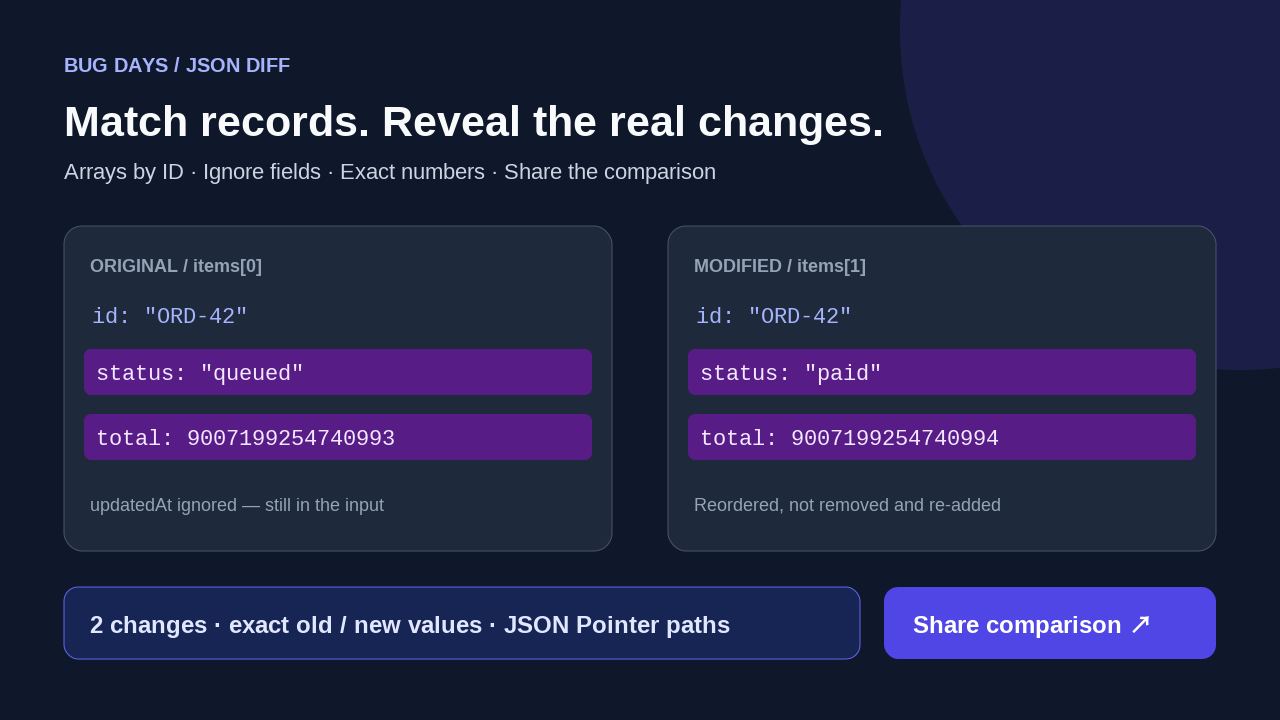
Ignore array order uses whole-item equality. If one object changes, it appears as a removed item and an added item. For field-by-field changes in reordered records, set the optional Array identity field to id instead. Read the array ID matching and ignored-fields guide for a runnable example.
Read the paths and distinguish missing from null
- Paste the earlier body into Original JSON and the later body into Modified JSON.
- Select Compare JSON. Review the counts, then follow each path in the Changes Report.
- Use the highlighted views to see old and new values in context. A repeated value is not necessarily the same field.
- Select Swap to reverse the direction: an addition becomes a removal.
Missing, null, and an empty string are different states. Adding email: null to an object that lacked email is an addition. Changing an existing email to null is a modification. The number 1 also differs from the string "1". Property names containing dots use quoted bracket paths, so a key named content.type is not confused with a nested content object.
Reduce noise without hiding a real regression
Responses may contain generated timestamps or request IDs. Ignore a field name such as updatedAt recursively, or target an exact JSON Pointer such as /meta/requestId. A “No differences” result means equality with those settings, not equality of every field. These rules do not remove data from share links.
Both inputs must be valid JSON. If one fails, use the JSON syntax validator and check whether you copied HTML, a log prefix, or several JSON Lines records. This comparison preserves exact numeric tokens and distinguishes large integer IDs without JavaScript rounding. Duplicate object keys are rejected as ambiguous rather than silently discarded. See the number precision and duplicate-key guide.
Share a comparison a teammate can reproduce
After comparing, select Share comparison. The shared state includes both documents, the ordering options, and the Compare action. Embedded links carry that state in the URL fragment; optional short links store it for 30 days. Processing the comparison itself does not upload your input.
Use synthetic values before sharing, and include the expected result in your ticket or question—for example, “With array order ignored, only timeout and retries should differ.” The runnable link then supports your explanation rather than replacing it. Read the JSON formatting and jq path guide if you need to isolate a nested value first.