Convert cURL to JavaScript Fetch or Python Requests
Translate a common cURL command into JavaScript Fetch, Python requests, or readable cURL; verify methods, headers and bodies without executing a request, then share a redacted reproducer safely.
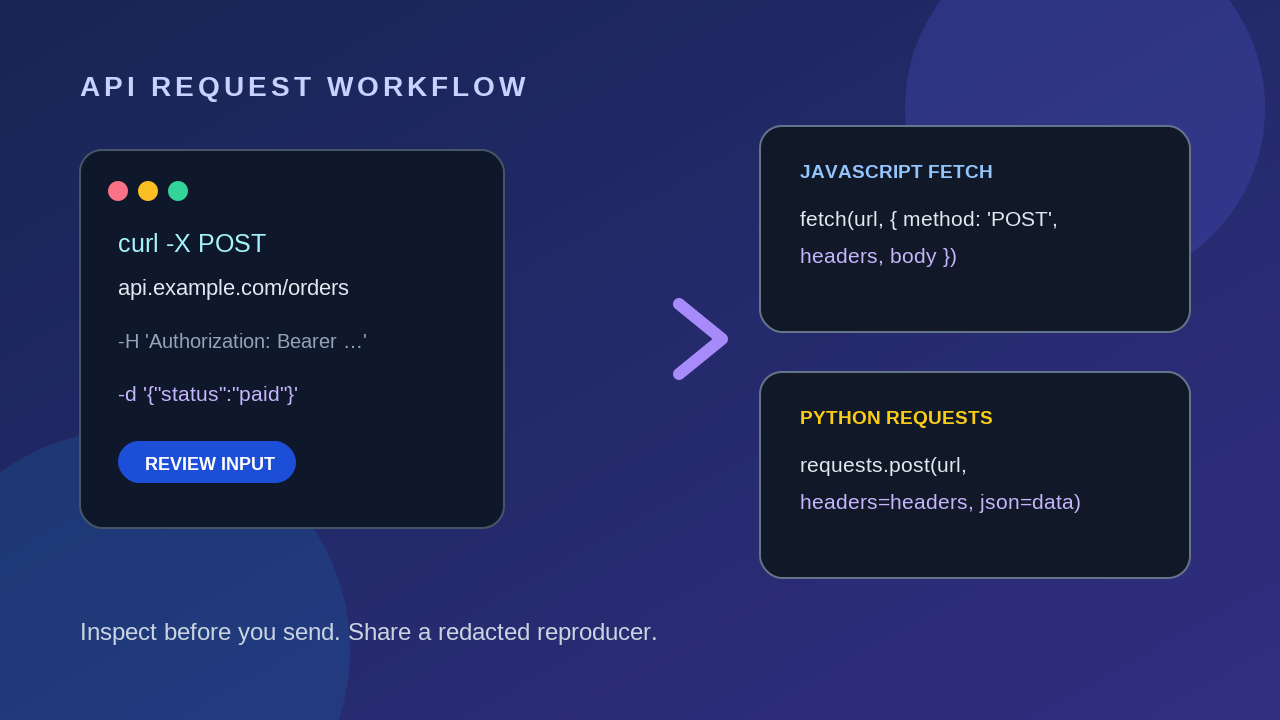
A cURL command is a compact way to reproduce an HTTP request, but it is awkward to review in a pull request or adapt into application code. The useful conversion is not merely syntax replacement: first make the method, URL, headers, query parameters, and body visible; then choose the right runtime and add the reliability concerns your application needs.
Start by checking what the cURL command actually sends
For this common JSON request, the meaningful request parts are a POST method, a URL, a content-type header, and a raw JSON body:
curl -X POST 'https://api.example.test/orders' \
  -H 'Content-Type: application/json' \
  --data-raw '{"status":"paid"}'
Paste it into the cURL to JavaScript Fetch and Python Requests Converter. Conversion runs only in your browser: it parses the command but does not contact the URL, replay an order, or transmit a credential. That makes it a useful first step when a command came from a terminal, browser DevTools, documentation page, or support ticket.
Choose Fetch, Python requests, or readable cURL
Use JavaScript Fetch for browser code or a modern JavaScript service. Use Python requests for a script, job, or Python backend. Choose normalized cURL when the goal is a cleaner reproducer for a teammate. The generated request should preserve the method, URL, headers, basic-auth option, and raw body, but it intentionally does not guess application behavior such as retry policy, response schema, pagination, or a timeout.
Review the code before it reaches production
Generated code is a starting point. Set a timeout or cancellation policy, decide how non-2xx responses are handled, parse successful responses deliberately, and validate JSON with a schema where appropriate. The JSON-to-TypeScript, Zod, and Pydantic generator can turn a representative response into a model, while the JSON Formatter is useful for checking a body before copying it into a fixture.
Redact before sharing a cURL reproducer
Headers, query strings, and bodies may contain Bearer tokens, cookies, passwords, private hosts, account IDs, or customer data. Replace them with obvious placeholders before using a share link or pasting a command into a ticket. A Bug Days share link restores the included text, and anyone who receives the link can read it. When you are ready to make a real call, move a scrubbed command into the REST API Client and review its target and authentication settings separately.