Generate TypeScript, Zod, and Pydantic Models from JSON
Turn a representative JSON response into TypeScript interfaces, Zod runtime schemas, or Pydantic models; learn how arrays, missing fields, nulls, and generated code need review.
A JSON example is evidence, not a complete API contract. It can still get you to a useful first model much faster—provided the example contains the nested objects, array variations, nulls, and missing fields your application really receives.
Use a representative response
Paste an object or an array into the JSON to TypeScript, Zod & Pydantic Generator. Arrays are especially useful because the generator compares object keys across their entries. In this example, the second record has no roles, and its profile is null:
[
  {
    "id": 42,
    "displayName": "Ada",
    "roles": [
      "admin"
    ],
    "profile": {
      "timezone": "UTC"
    }
  },
  {
    "id": 43,
    "displayName": "Lin",
    "profile": null
  }
]
That lets the generated code represent roles as optional and profile as nullable. If a production response has more variants, add a small synthetic representation of each before generating again.
Choose the output that matches the job
TypeScript interfaces provide editor and compile-time help but disappear at runtime. Zod schemas validate untrusted API input while inferring a TypeScript type. Pydantic models are a natural starting point for Python services that parse and validate JSON.
The generator protects invalid property names by quoting them in TypeScript and creating Python aliases when a JSON key is not a safe Python identifier. It also handles nested objects, arrays, boolean values, numbers, and mixed values. Generated types are intentionally broad where JSON alone cannot prove a stronger constraint.
Review the code before calling it a contract
An example with 1 tells a generator only that it saw a JSON number—not whether your API guarantees an integer, a positive ID, or a bounded amount. Add enum values, date parsing, minimum and maximum ranges, string formats, defaults, and business rules by hand. If a field is absent from your sample, it cannot appear in generated output.
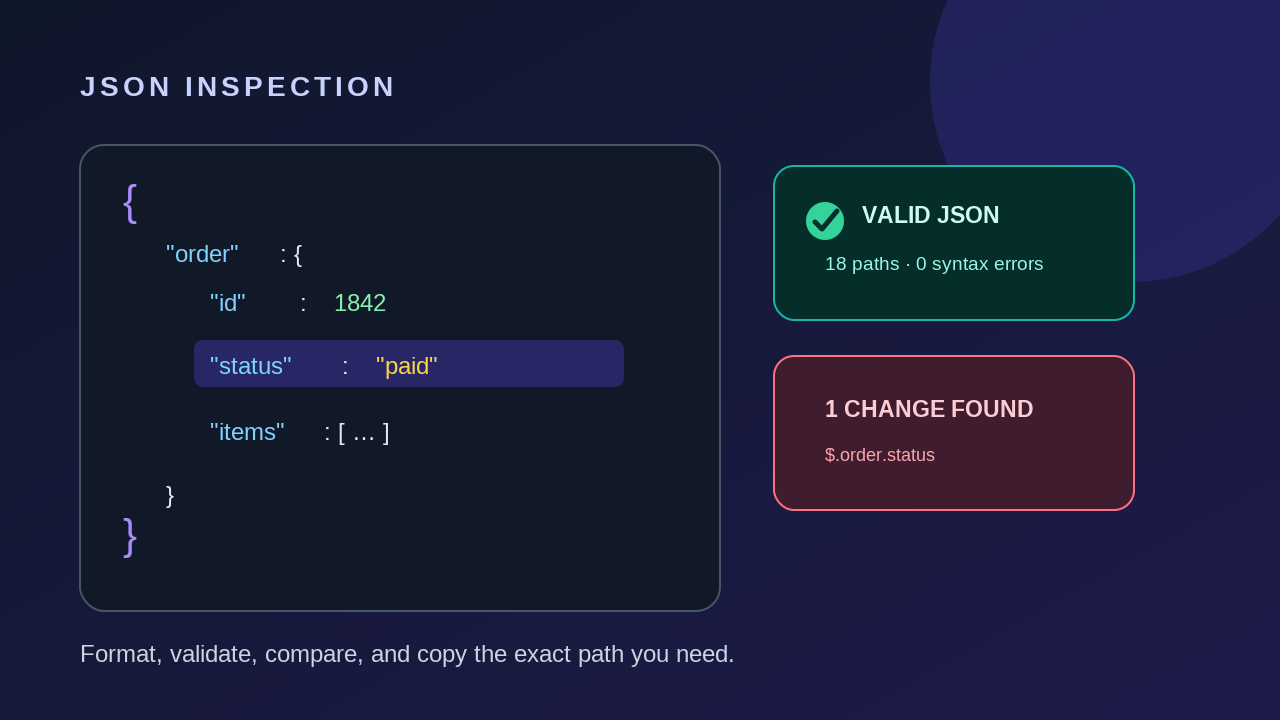
Use the JSON Formatter to validate and inspect a response first. When a new deployment changes the response shape, compare a before and after sample in the JSON Diff Checker before updating the model.
Share a safe reproducer
A shared generator link restores the JSON example, root name, and selected target for a teammate. That makes a small mock payload useful in a code review or support question. A shared link is not a secret store: anyone with it can read the included JSON. Remove access tokens, customer records, private endpoints, and identifiers before sharing.