GZip + Base64 in Python and Node.js: Matching Examples
Compress UTF-8 text to Base64 GZip in Python and Node.js, decode it across languages, and compare the results with a runnable browser example.
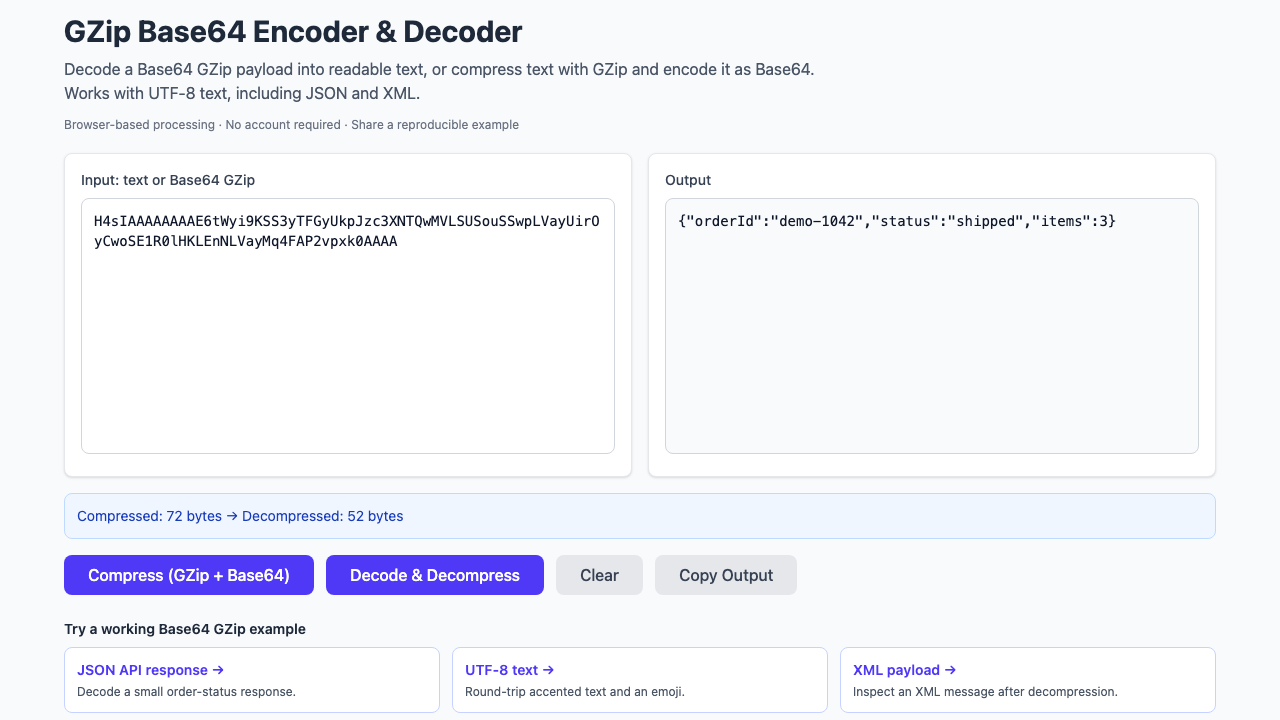
Two services can agree to use “GZip and Base64” and still disagree about the bytes. One compresses a UTF-8 string; another Base64-encodes first. A third produces zlib data instead of a GZip stream. A small round-trip test makes that contract explicit.
The contract for these examples: UTF-8 text → GZip bytes → standard Base64 string. Decoding must recover exactly the original text, including accented characters and emoji.
Python: compress, encode, decode, and verify
Run this as a Python 3 script. It needs no third-party packages. The input deliberately includes café, Montréal, and an emoji, so an ASCII-only implementation cannot pass unnoticed.
import base64
import gzip

text = "{\"message\":\"Hello, café ☕\",\"city\":\"Montréal\"}"
encoded = base64.b64encode(
    gzip.compress(text.encode("utf-8"), compresslevel=6, mtime=0)
).decode("ascii")

# Replace encoded with a captured Base64 GZip value to decode it.
decoded = gzip.decompress(
    base64.b64decode(encoded, validate=True)
).decode("utf-8")

assert decoded == text
print(encoded)
print(decoded)
gzip.compress expects bytes, hence the UTF-8 encoding first. Setting mtime=0 avoids putting the current time into the GZip header. validate=True makes Python reject non-alphabet characters instead of silently discarding them. These behaviors are documented in Python's gzip module and base64 module.
Node.js: the same text and transformation order
Save this as an .mjs file and run it with Node.js. The synchronous functions keep a short diagnostic script easy to follow. In a request-handling service or a large-file workflow, use asynchronous or streaming APIs so compression does not block other work.
import { gzipSync, gunzipSync } from 'node:zlib';
import { Buffer } from 'node:buffer';

const text = "{\"message\":\"Hello, café ☕\",\"city\":\"Montréal\"}";
const encoded = gzipSync(Buffer.from(text, 'utf8'), {
  level: 6,
}).toString('base64');

// Replace encoded with a captured Base64 GZip value to decode it.
const decoded = gunzipSync(Buffer.from(encoded, 'base64'))
  .toString('utf8');

if (decoded !== text) throw new Error('Round trip failed');
console.log(encoded);
console.log(decoded);
gzipSync returns compressed bytes; calling toString('base64') encodes those bytes, not the original message. The reverse uses gunzipSync. See the official Node.js zlib documentation.
Node's Buffer.from(value, 'base64') is more permissive than the strict Python call: for example, it accepts whitespace and the URL-safe alphabet. A payload accepted by Node is not necessarily valid under a stricter transport contract. See the Buffer encoding documentation.
Check both implementations against a browser example
Here is a known-good encoded version of the same text. Paste either script's first output line into the online GZip Base64 decoder and select Decode & Decompress. The text should match the expected result below.
Base64-encoded GZip input
H4sIAAAAAAAAE6tWyk0tLk5MT1WyUvJIzcnJ11FITkw7vFLh0YypSjpKyZkllUpWSr75eSVFh1cm5ijVAgAFgXCmMQAAAA==Expected decoded text
{"message":"Hello, café ☕","city":"Montréal"}Open this decoding example → Try the reverse: compress this text →
These links carry the synthetic sample and operation in the URL. They do not depend on a 30-day stored short link.
For a cross-language test, take the Base64 line printed by Python and assign it to encoded in the Node decoding step. Then try Node's output in Python. A self-test only proves that an implementation agrees with itself; this exchange checks the boundary between them.
Why the Base64 output can differ and still be correct
Do not use literal equality of the two Base64 strings as your interoperability test. A different compression level, compressor version, or GZip header can produce different compressed bytes that expand to identical text. Python's gzip.compress version notes include changes to header behavior.
For byte-preserving transport, compare the decompressed bytes. For an application that cares only about JSON values, parse and compare those values separately. Pretty-printing a JSON document changes its text, even when its meaning stays the same.
Measure the value you actually send
Compression savings can disappear once you wrap a tiny message in a GZip header and Base64. The wire value in this workflow is the final Base64 string. Compare its length with the original UTF-8 byte count, not just the intermediate compressed length.
Also confirm that the receiving endpoint expects Base64 inside a field. A raw compressed HTTP body is a different contract; do not add an extra Base64 layer merely because you used it in this diagnostic example.